
Open a photo or video. Tap a look.
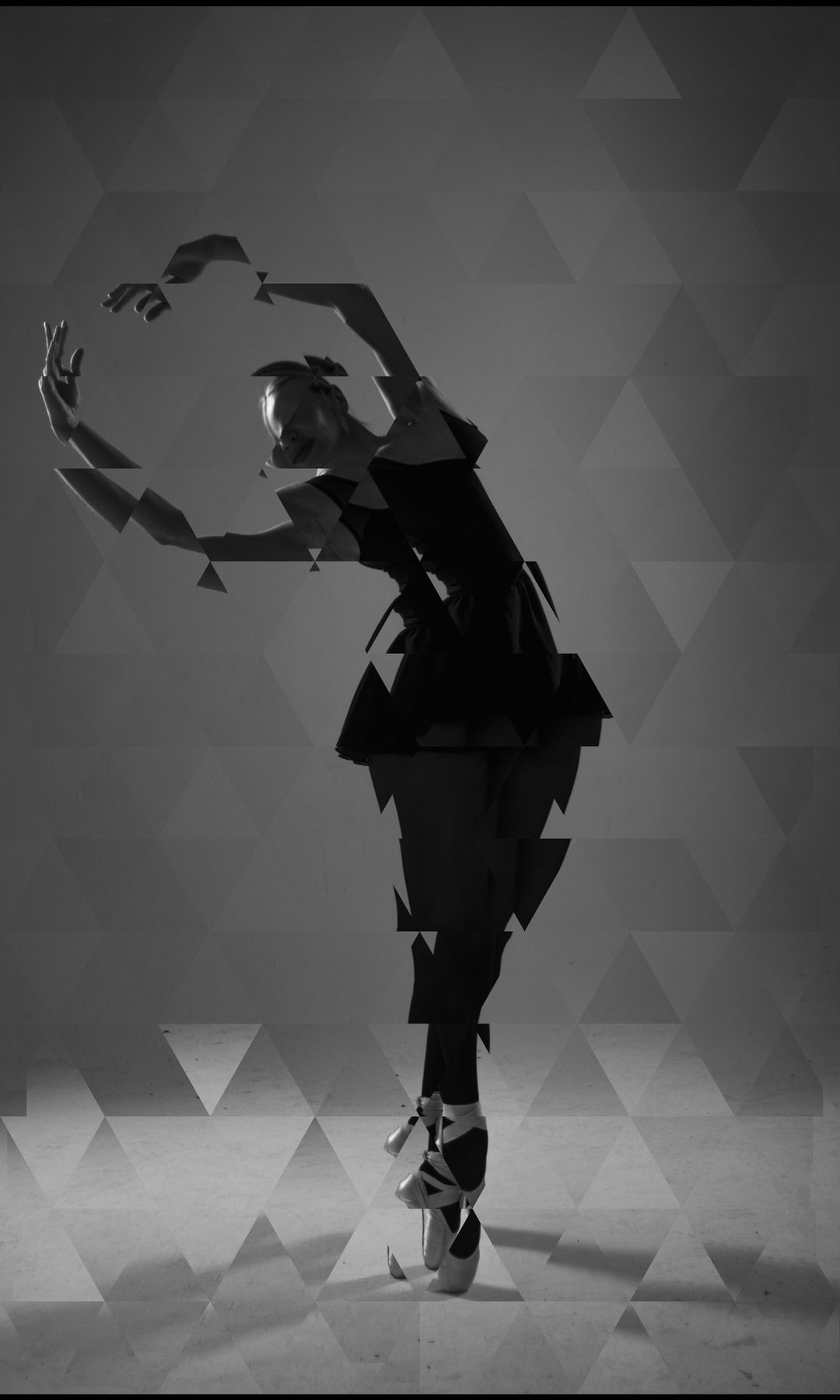
Each look sets the points, shapes, fill, lines and backdrop in one tap. Shuffle for a new one, or save your own next to the built-in looks. Drag across any picture to see the original.
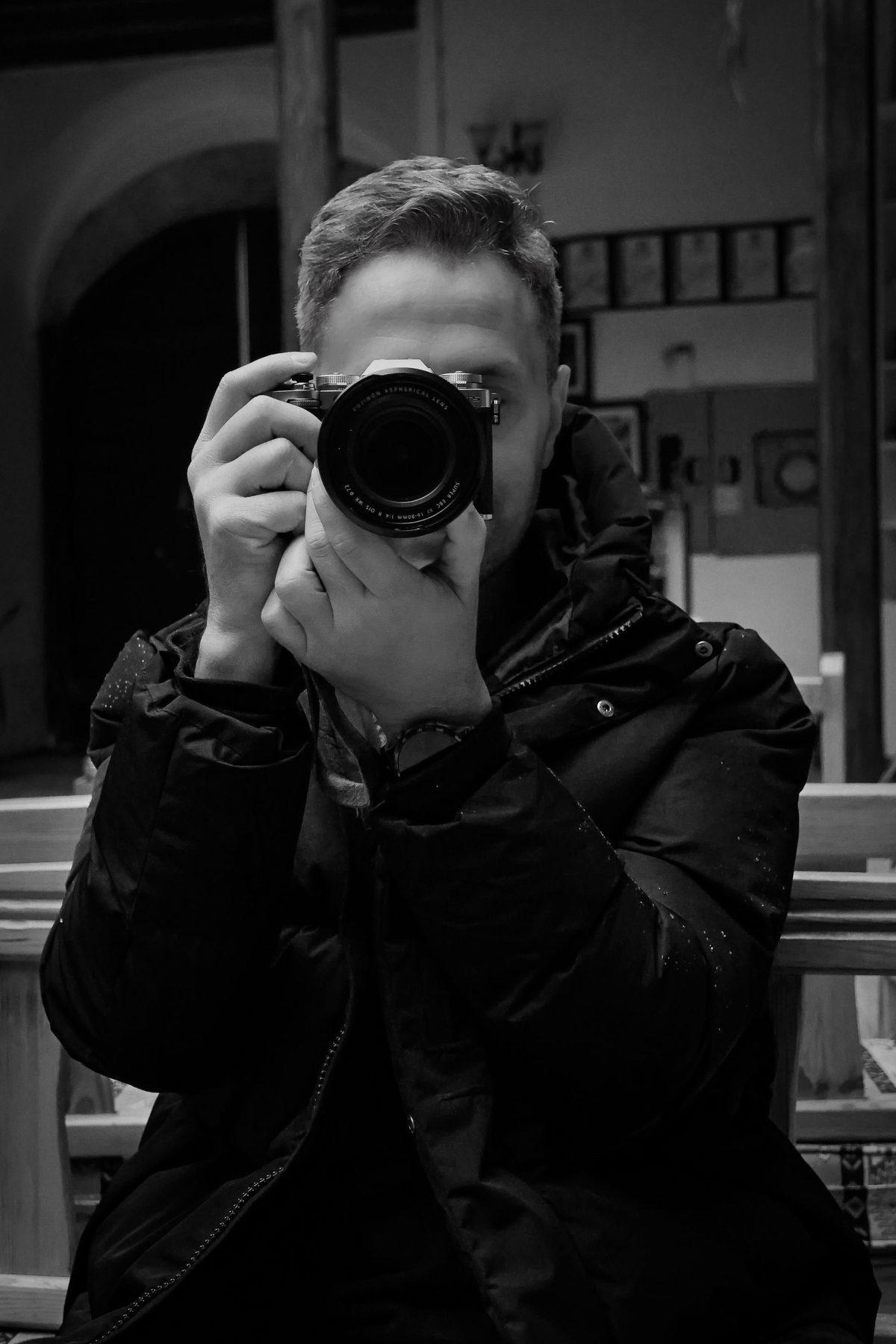
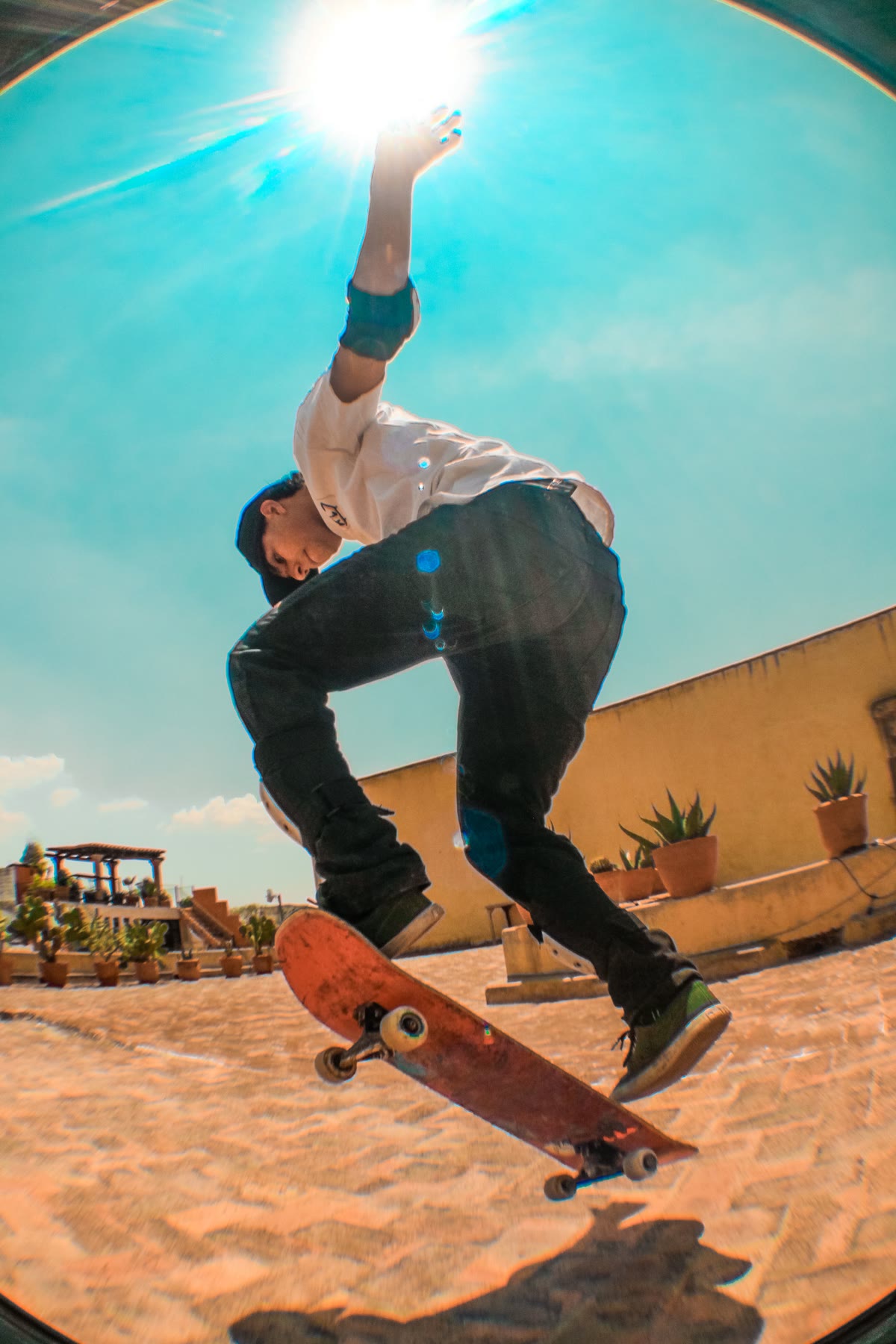
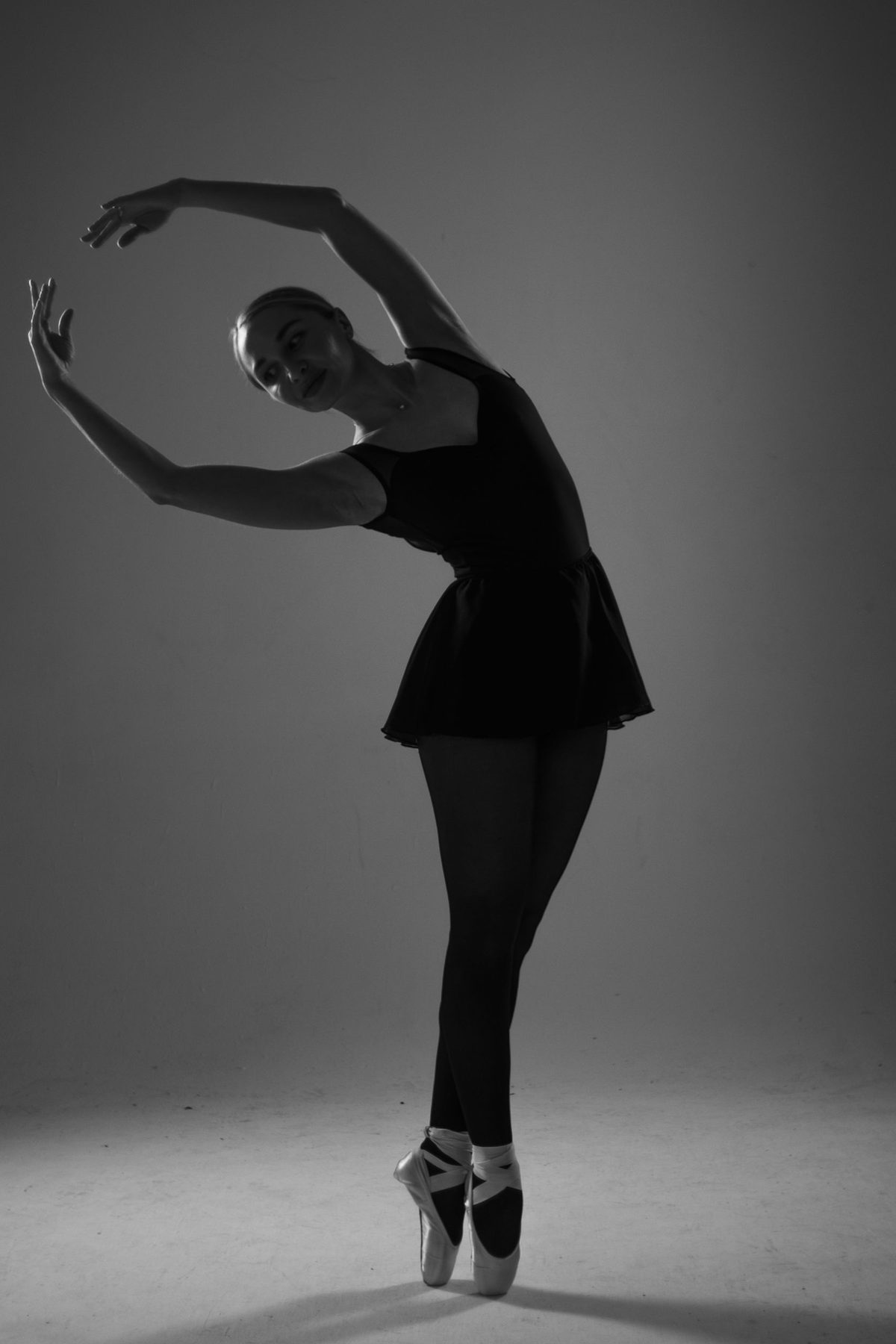
One face. Many looks.
Every look is a starting point. Open it up and change where the points go: along the edges and contours, around the subject, or in geometric patterns. Then swap the shapes, the fill, the lines and the backdrop. Keep what you like and save it as your own look.
Now it moves.
Every look works on a clip. Turn on RECORD CHANGES and move the dials: every tweak is recorded and played back as a loop. Record sound or load a song, and eighteen of the dials react to the beat, live as it plays. A still photo keeps moving for as long as the song lasts.
Move the camera inside a photo.
Pick any photo with a clear subject. PAN and TILT slide the near stuff against the far stuff. On iPhone, switch on GYRO and just tilt the phone.
Pixels, vectors, film.
EXPORT LINES
The mesh as one continuous stroke, for plotters and laser cutters. Use SVG VECTORS for Illustrator.
PREVIEW BEFORE SAVING
MP4s and Live Photos play back, looped and with sound, before you save them.
INSIDE PHOTOS
Edit right from the Photos app. It’s non-destructive: reopen a photo and your mesh and look are still there.
EVERY DEVICE
AirDrop a project to your Mac and the mesh lands on exactly the same spots in the picture.
Hang it on the wall.
Pick a picture, choose a size, and a poster or a framed print arrives at your door. Printed and shipped by our print partner, straight from the app.
Start free.
One purchase, no subscription.
Free
- Every look, generator, shape, fill and line
- Photos and video
- Pictures up to 2048 px, video up to 1080p
- MADE WITH TRIMAGINATOR in the corner
- Order a print, any size
Pro
- Everything in Free
- Full-resolution pictures and video
- No mark on your exports
- No subscription
- Order a print, any size
Bought the original Trimaginator? Pro is already yours.