Trimaginator turns photos and videos into geometric art you can shape, colour and animate.
Press kit · October 2026
Every frame is a mesh waiting to happen.
Trimaginator turns photos and videos into geometric art. You can shape it, colour it, animate it and export it. It runs on iPhone, iPad and Mac. The public beta is open now and the full release is planned for January 2027.
Rendered in Trimaginator
Fact sheet
The short version.
- Developer
- Paul Ollivier, independent developer based in Paris, France
- Platforms
- iPhone · iPad · Mac
iOS 18, iPadOS 18 or macOS 15 and later - Release
- Public beta on TestFlight now
Full release January 2027 - Price
- Free, prints in any size included. One-time Pro unlock. Pro is free for owners of the original app
- First released
- 2014, on iOS
- Downloads
- 128,000+ since 2014
- Website
- trimaginator.com
- Public beta
- testflight.apple.com/join/89kjCFXt
- Press contact
- paul@trimaginator.com
- Social · @trimaginator
Ready to use
Copy you can paste.
Feel free to use these as they are or cut them down.
One line
Short · about 50 words
Trimaginator rebuilds photos and videos as geometric art. Pick a look, then change where the points go, what shape each piece is, how it’s filled and what’s behind it. Record your tweaks as a loop, let the dials react to music, and export stills, vector files or video. For iPhone, iPad and Mac.
Long · about 200 words
Trimaginator is an app for iPhone, iPad and Mac that turns photos and videos into geometric art. The shapes and colours all come from the original picture, so you can still tell what you’re looking at.
You start by picking a look. Then you choose how the points are placed: along edges and contours, around the subject, wherever things move in a clip, or in geometric patterns. The pieces can be triangles, cells, circles or dots, filled flat or with gradients, with or without lines. On any photo with a clear subject, you can pan and tilt the camera inside the picture.
Most of the new features are about movement. Every look works on video. RECORD CHANGES records your tweaks and plays them back as a loop. Record sound or load a song, and eighteen of the dials react to the beat, live. You can export PNG, JPEG, HEIF, SVG, single-stroke files for pen plotters and laser cutters, MP4 and Live Photos, and order a poster or a framed print in any size, in the free version too.
The first Trimaginator came out in 2014. This version is a complete native rewrite and the first one that handles video.
History
Back, and now it moves.
Paul Ollivier released the first Trimaginator on iOS in 2014. It was downloaded more than 128,000 times. Back then it took a photo and turned it into triangles, and that was about it.
The new version is rewritten from scratch as a native app for iPhone, iPad and Mac. Rendering runs on Metal, the Mac version works with documents like any other Mac app, and it now handles video too: clips, recorded performances and loops that react to sound.
It comes out as an update to the original App Store app, so existing users just update. The nine classic looks from 2014 are still included.
Features
What it does.
Looks
Tap a look to start. SHUFFLE rolls a new one. Save your own next to the built-in looks.
Point generators
Place points along edges and contours, around the subject, where a clip moves, or in geometric patterns.
Shape, fill, line, backdrop
Triangles, rounded, cracked, Voronoi cells, circles or dots. Flat, smooth, two-ink Warhol or 3D light fills. Lines from the photo, solid, dashed or dotted.
Parallax
On any photo with a clear subject, PAN and TILT move the camera inside the picture. On iPhone, GYRO follows the phone.
Video and recording
Every look works on a video clip. RECORD CHANGES records your tweaks and plays them back as a loop.
Sound
Record sound or load a song. Eighteen of the dials react to the beat, live, and a still photo keeps moving for as long as the song lasts.
Draw and paint
Add or remove points by hand and repaint individual faces.
Export
PNG, JPEG, HEIF, SVG vectors, single-stroke lines for plotters and laser cutters, MP4, Live Photo and parallax loops. Videos preview, looped and with sound, before you save. Works inside the Photos app, and projects AirDrop between devices.
Prints
Order a poster or a framed print in any size from inside the app, in both Free and Pro. Printed and shipped by Peecho.
On device
No generative AI. Subject and depth detection run on the device.
Video and images
Footage and stills.
The ZIP has every still, the twelve looks as single images, the short clips and the logos. The two dancer videos are separate downloads. Please credit Trimaginator.
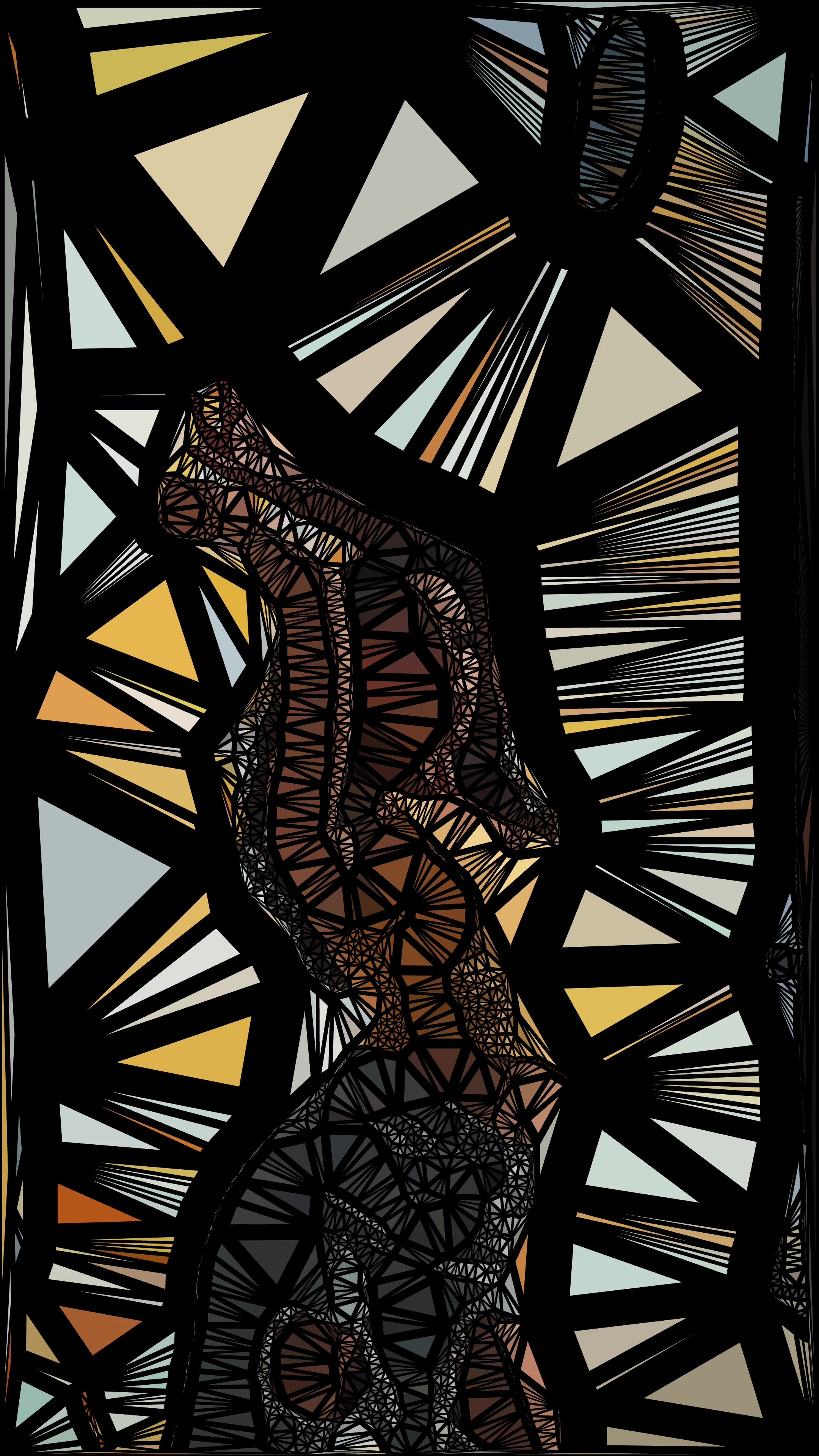
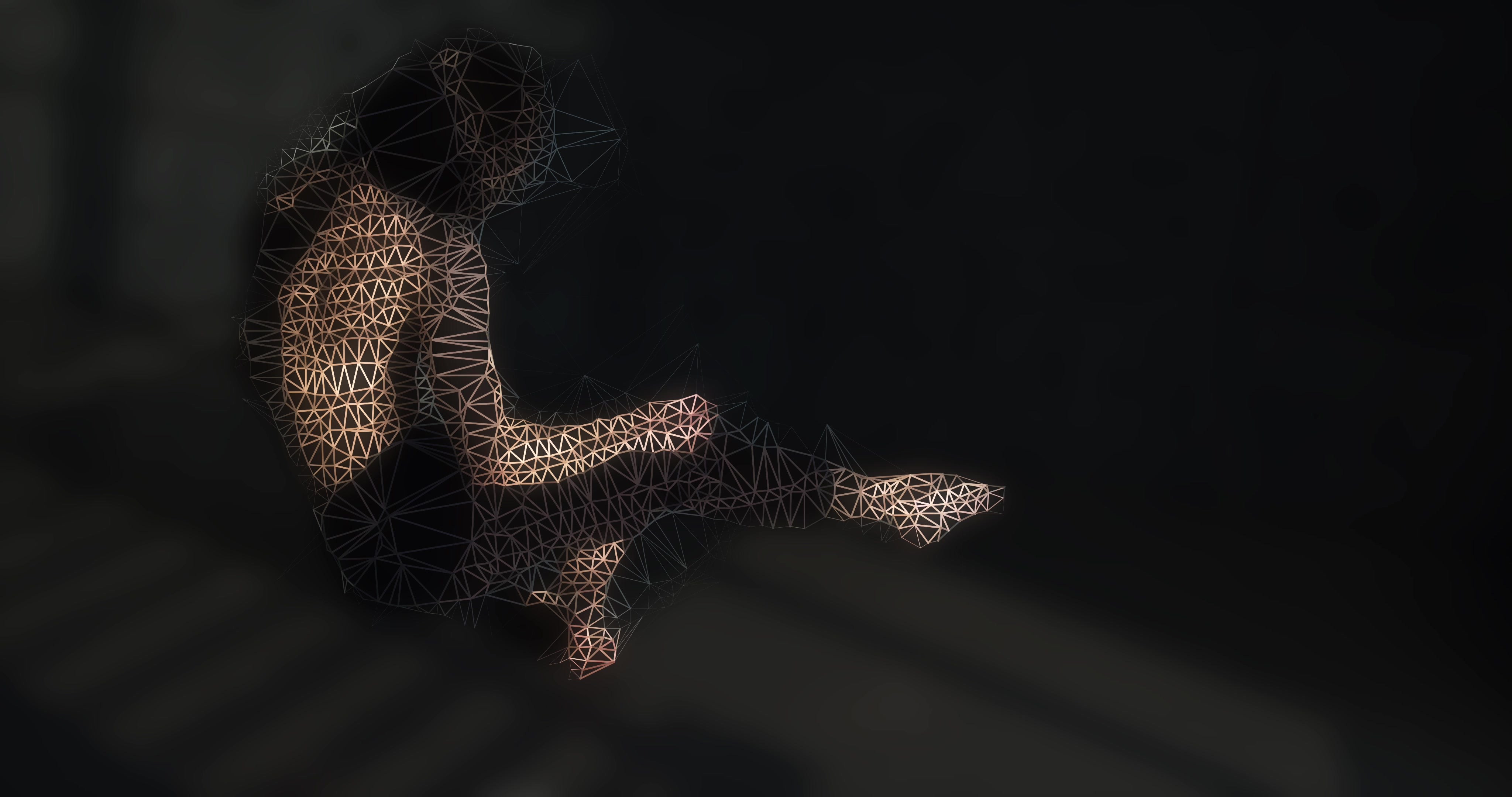
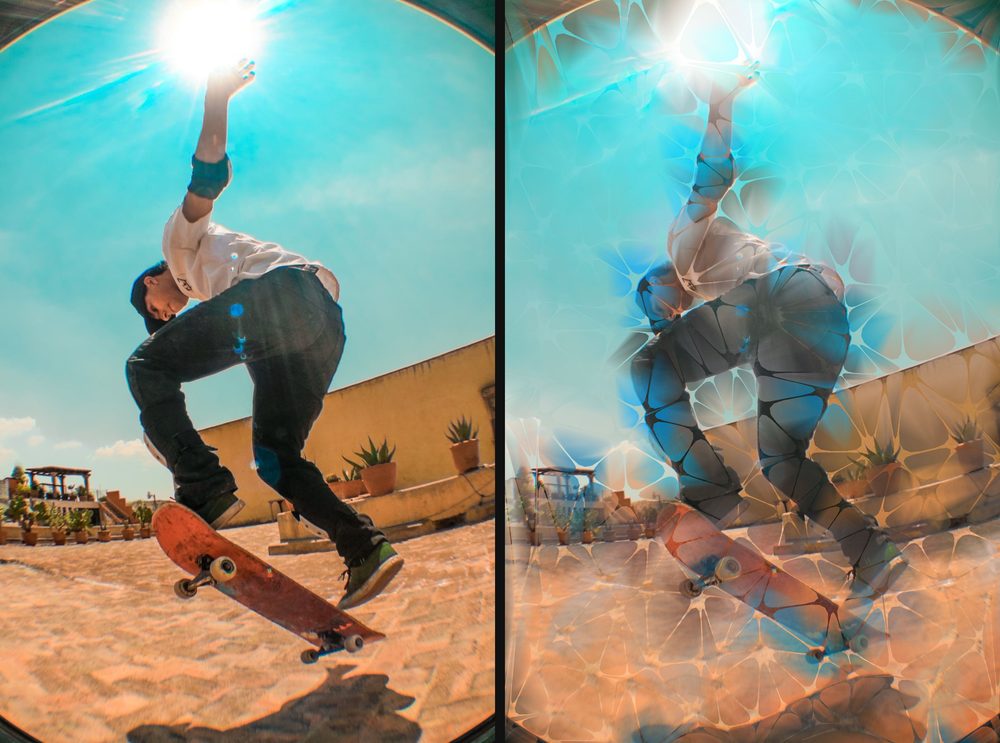
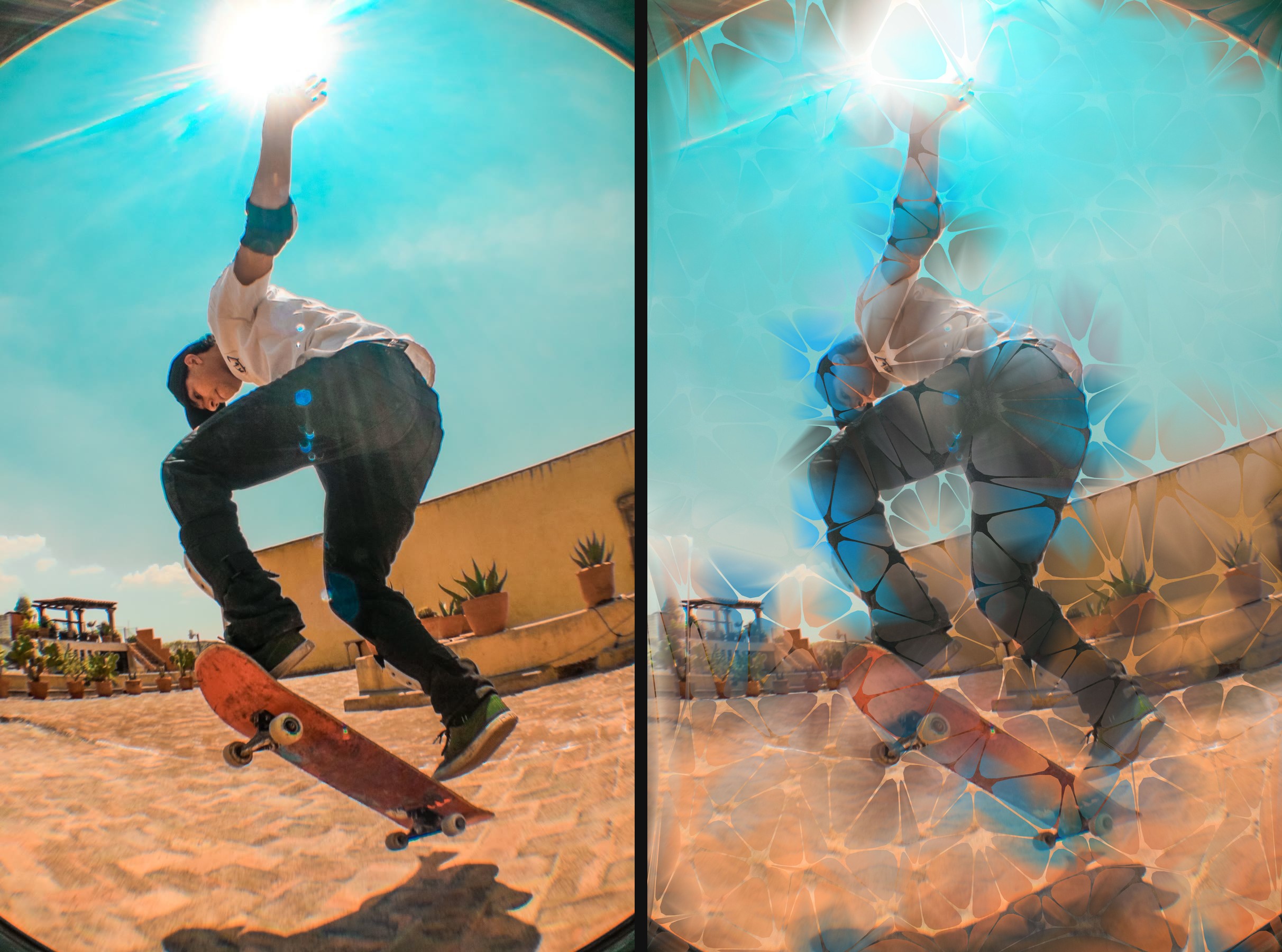
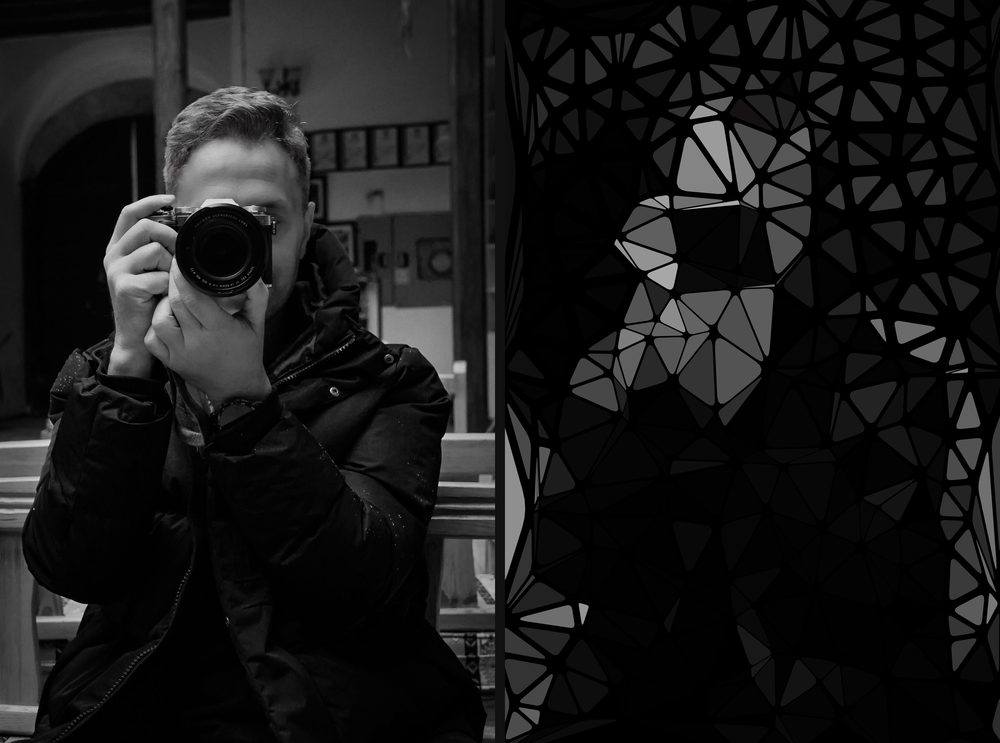
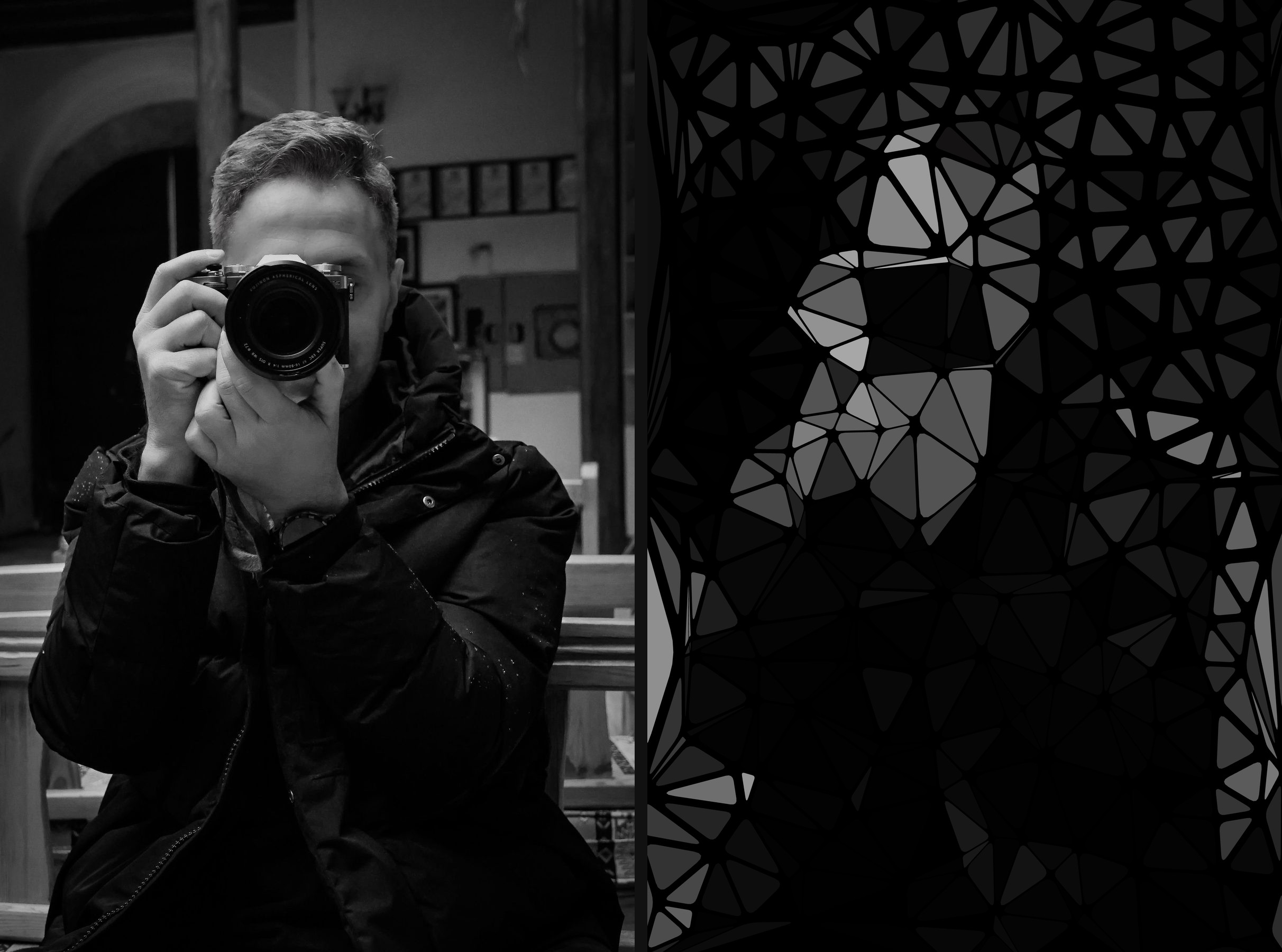
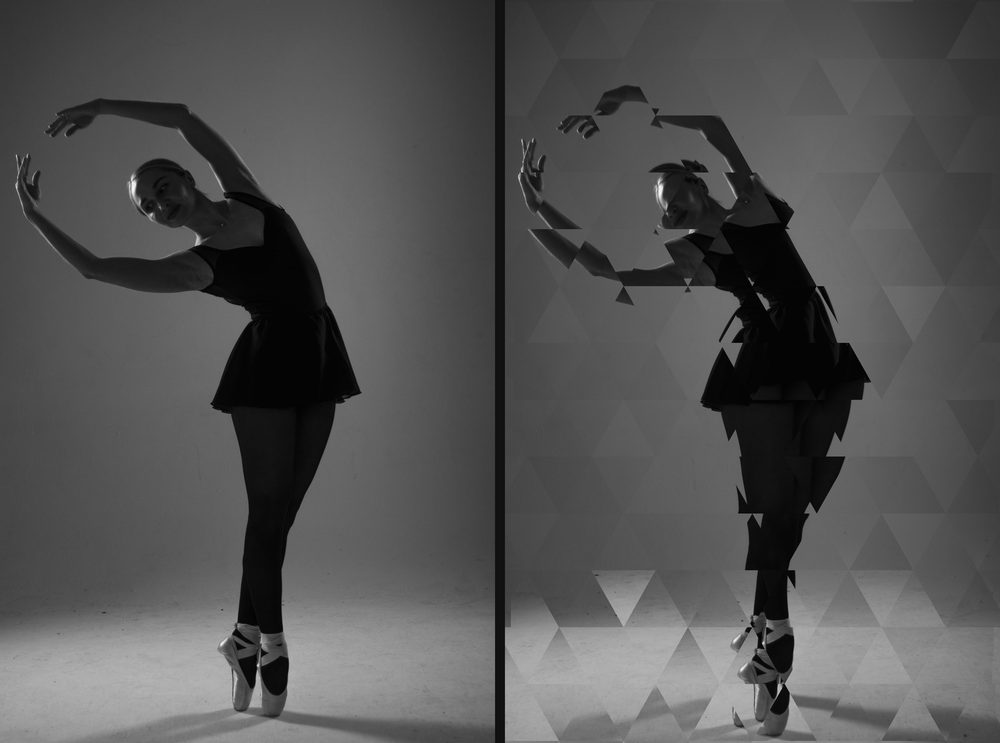
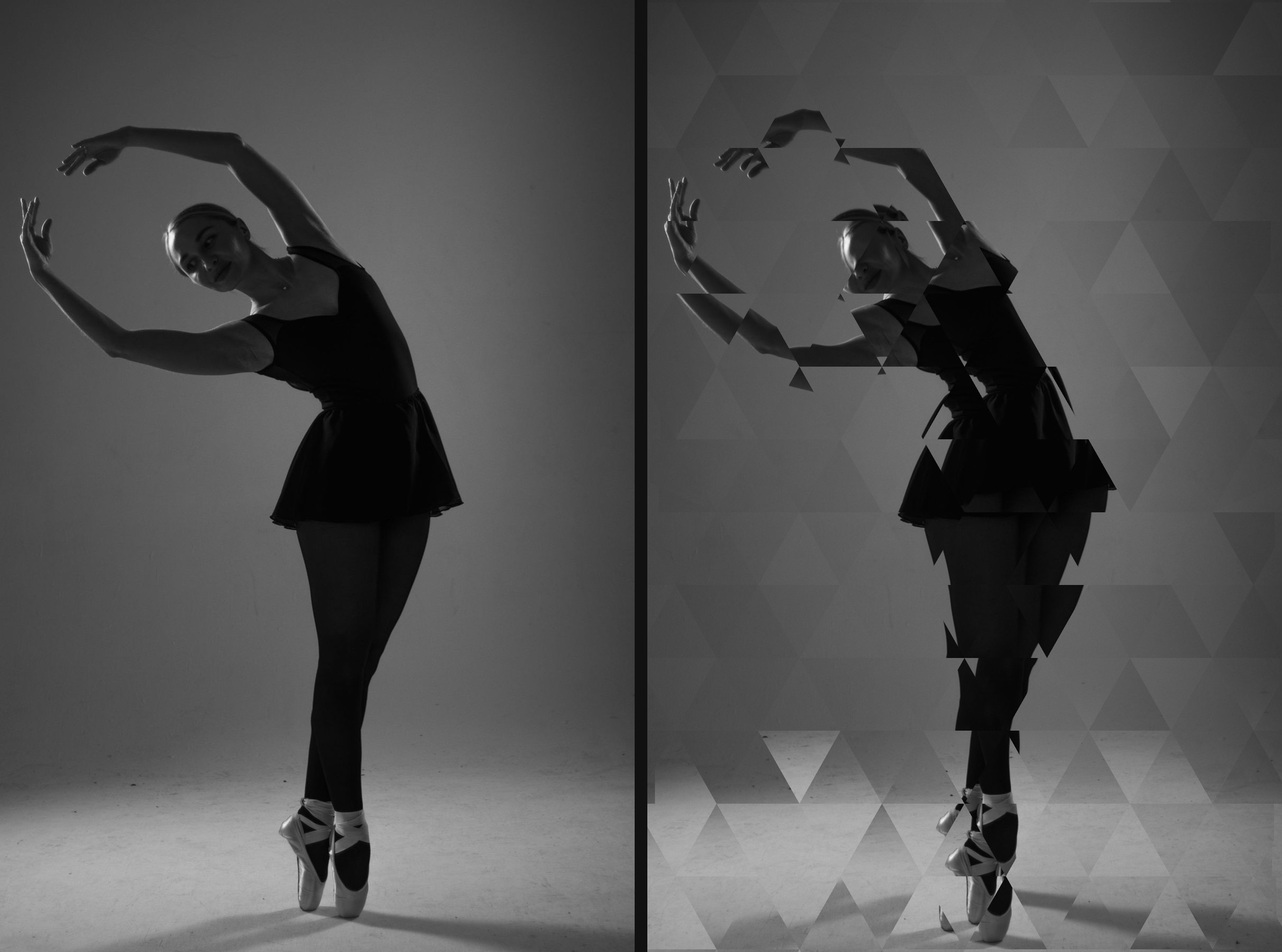
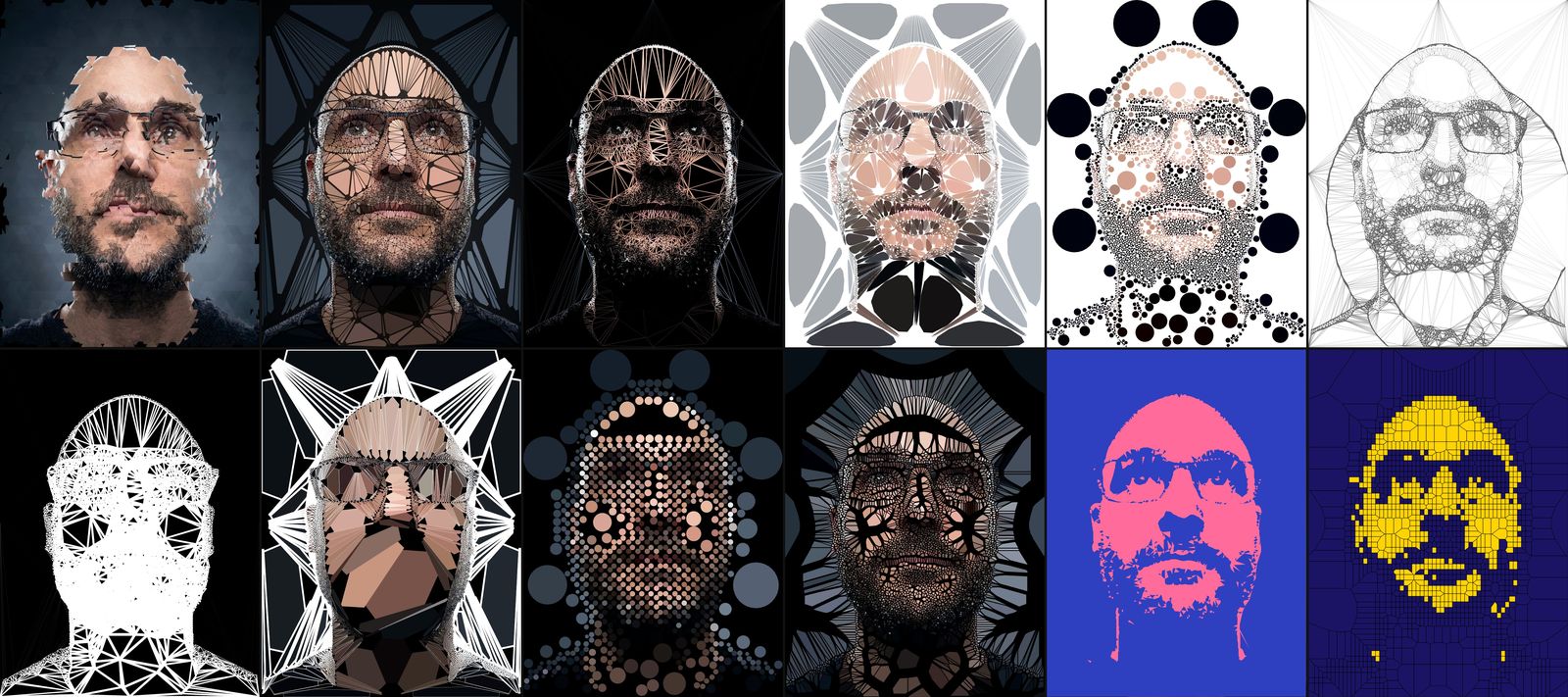
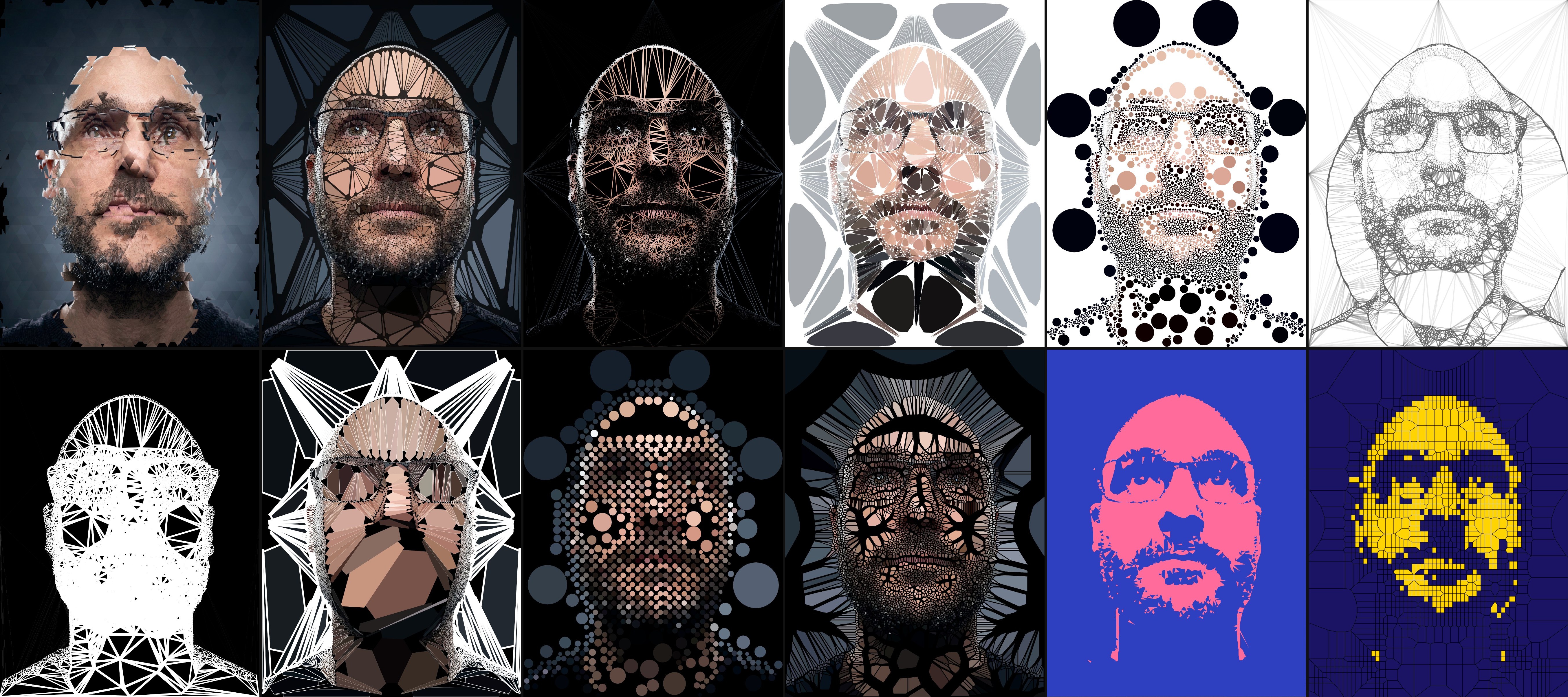
Original photos for the before and after pairs: Pexels (nacho-gomez, ebahir, Vitaly Gorbachev).
Logos
Logo and mark.
All PNGs have transparent backgrounds. Use white on dark images and black on light ones.






Please don’t stretch the mark or recolour single triangles, and give it some room. It’s written Trimaginator: capital T, the rest lowercase.
About the developer
Paul Ollivier.
Paul Ollivier is a developer in Paris. He has spent about 25 years in games, UI and generative art. He builds Trimaginator alone, engine and interface included. He also made Abstractor, a generative art app for iOS.
Press contact
Interviews, review access, questions.
Write to Paul directly. No review codes needed: the beta is public, anyone can install it from TestFlight.